Setting up Passwordless Login
Let users log in with a magic link or 6-digit code instead of a password
Passwordless Login provides users with a seamless and more secure login experience without a password. Instead of entering a password, users receive a 6-digit login code or a login link sent via email.
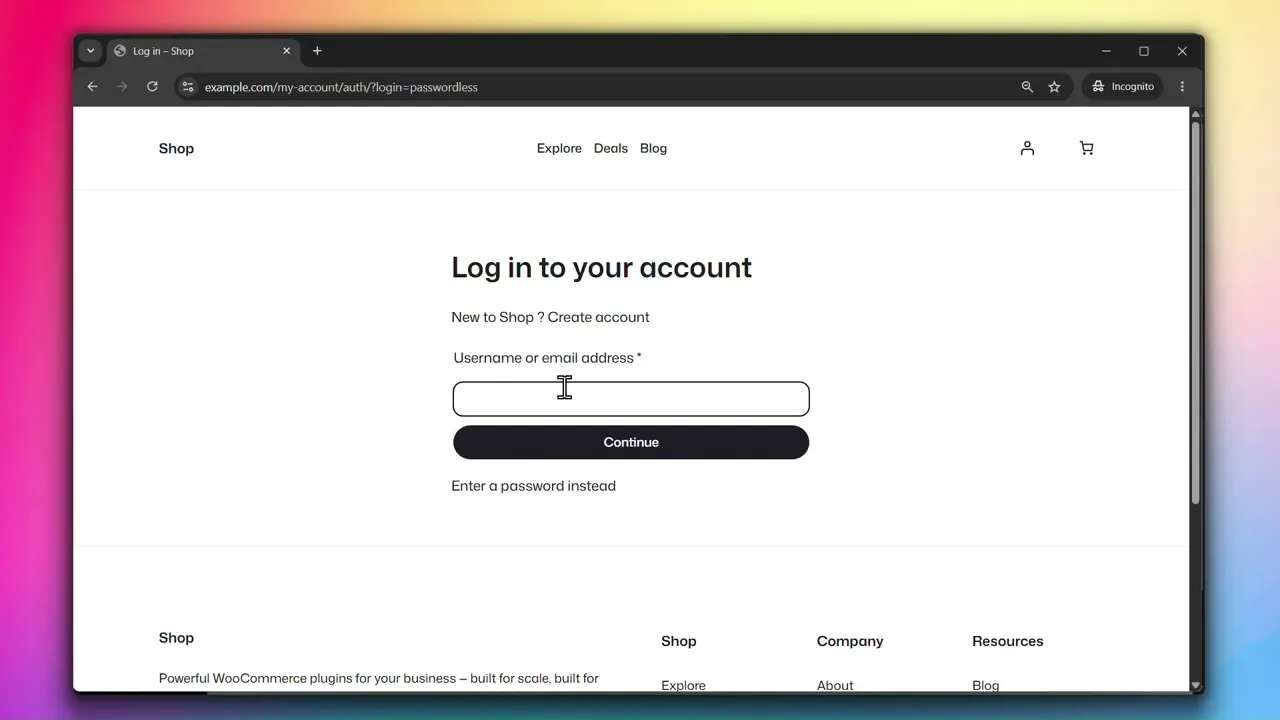
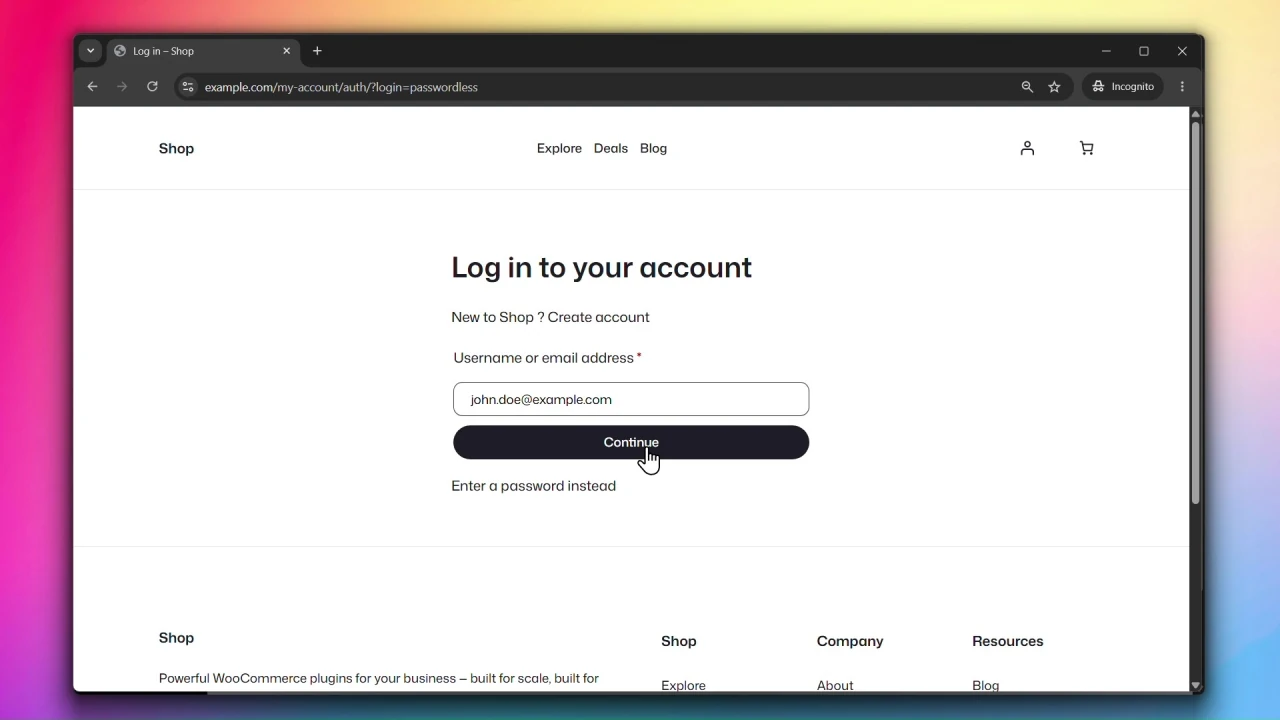
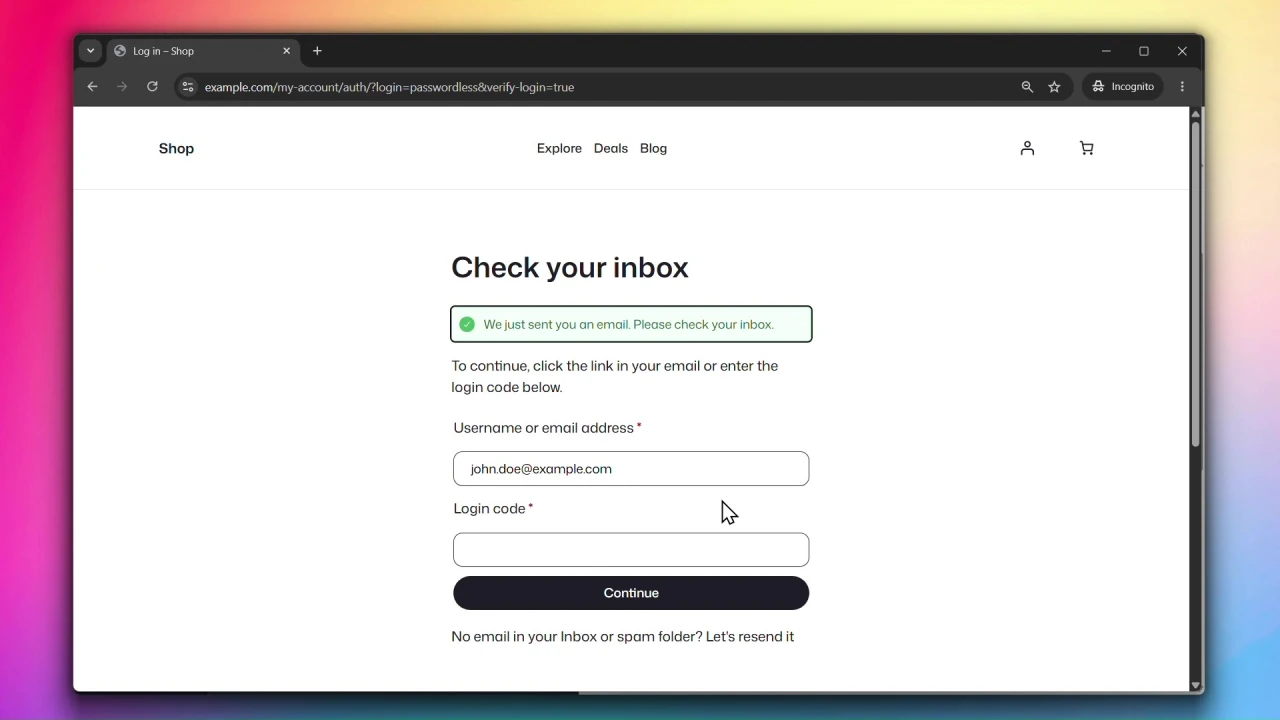
Accessing Passwordless Login Settings
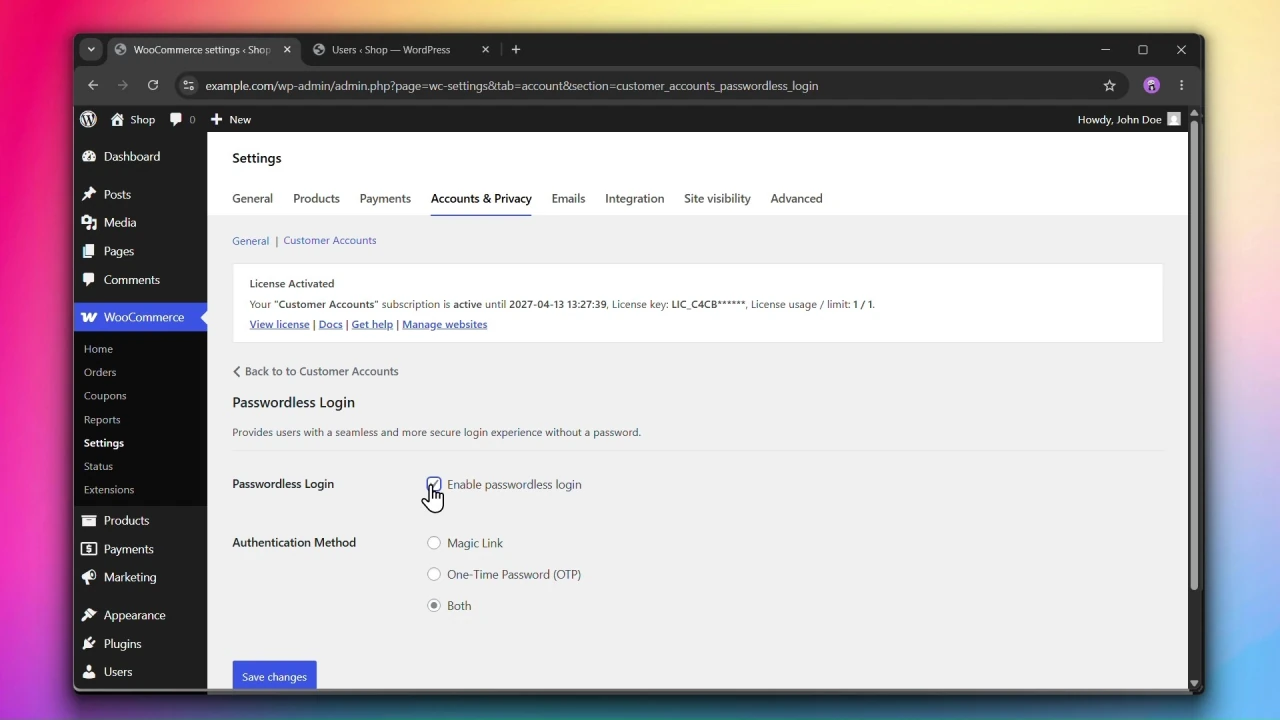
Go to WooCommerce > Settings > Accounts & Privacy > Customer Accounts and click on Passwordless Login.
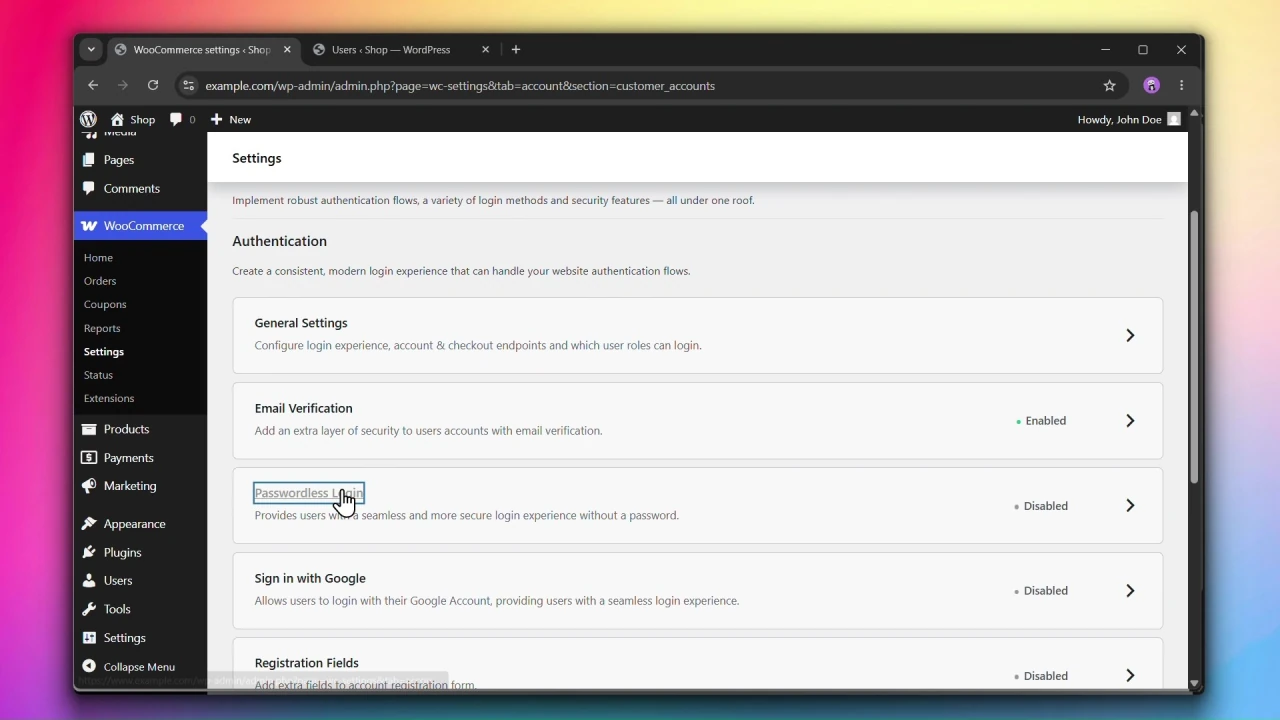
Steps
Step 1: Enable Passwordless Login
Under Passwordless Login, check Enable passwordless login.
Step 2: Choose an Authentication Method
Under Authentication Method, select how users will authenticate:
- Magic Link — a one-click login link sent to the user’s email.
- One-Time Password (OTP) — a 6-digit code sent to the user’s email that they enter on the login page.
- Both — lets the user choose between a login link and a 6-digit code.
Step 3: Click Save changes
Click Save changes to apply your settings.
Requires: WooCommerce 7.8+, PHP 7.4+, and WordPress 6.2+.
Compatible up to: WooCommerce 11.1, PHP 8.3, and WordPress 7.1.
Compatible with WooCommerce HPOS.